



Standard
2 years of updates included
All features, with two years of new versions. Keep using your covered versions for as long as you like.
One-time purchase
 HandyBar
Windows, apps & everyday tools for Mac.
A window switcher, Launcher, and a few useful extras. Use them beside the macOS Dock, or in a Bar on every display.
14-day trial macOS 26 or later Apple silicon
Add windows from other Spaces, Launcher, and everyday tools alongside the macOS Dock.
See the current Space’s windows in a dedicated Bar on each screen, with the same Launcher and everyday tools.
See windows on your other Spaces and bring one forward without searching through desktops.
Keep the current Space’s windows in a Bar on each display, so each screen has its own place to switch.
Open an app, find a recent file, or browse your folders. Start typing to search, and use Quick Look to check a file before opening it.
Available from both Dock and Bar.
Show the letter badges, then choose an app or window. Keyboard navigation works in Launcher, the Bar, and your macOS Dock.
Type to search, or follow the letter badges to open an app or file.
Reveal the letter badges and jump straight to a window or another Space.
Choose an app from the Dock’s letter badges, or reach windows on other Spaces beside it.
Set your preferred triggers in Settings. Use the mouse whenever you like.
Built into both layouts, ready when you need them.
A temporary home for files, links, images, and text. Find something you copied earlier, or keep a quick note here.
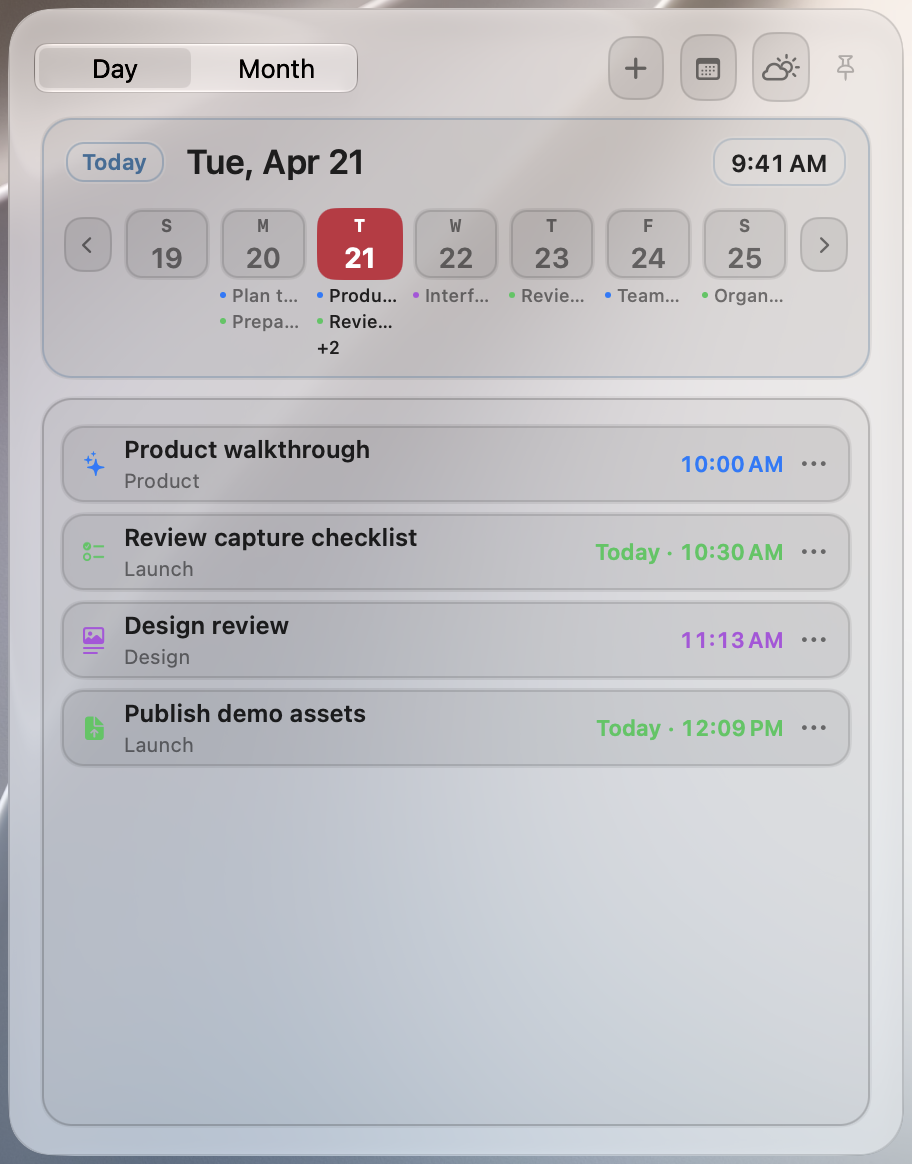
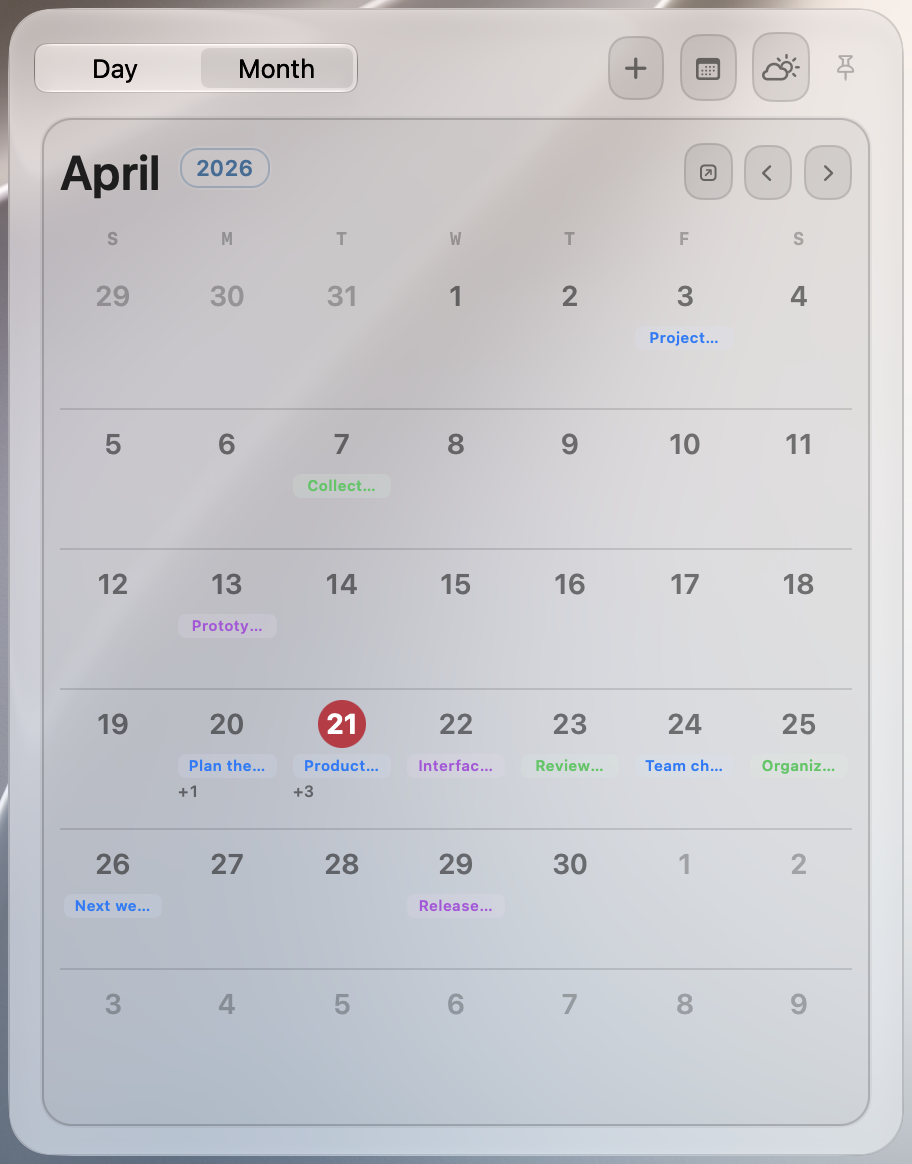
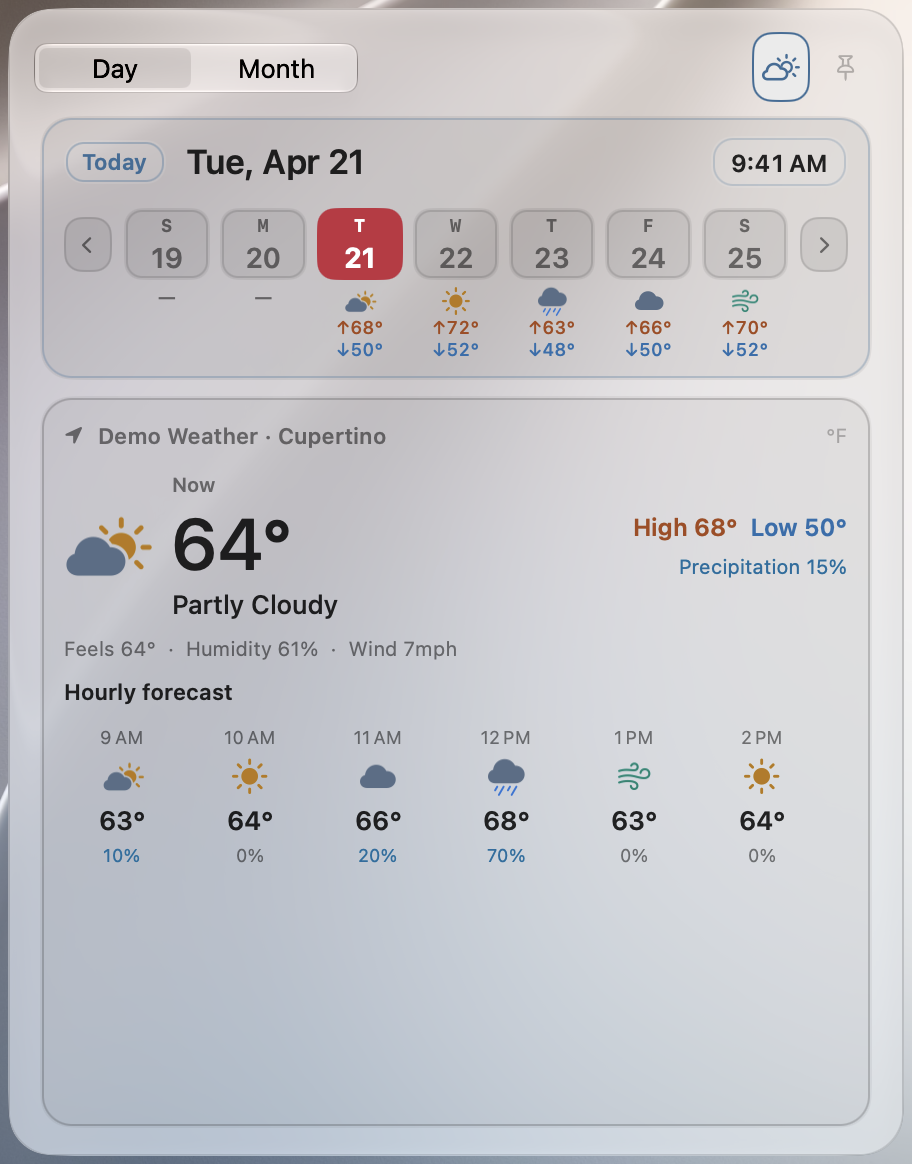
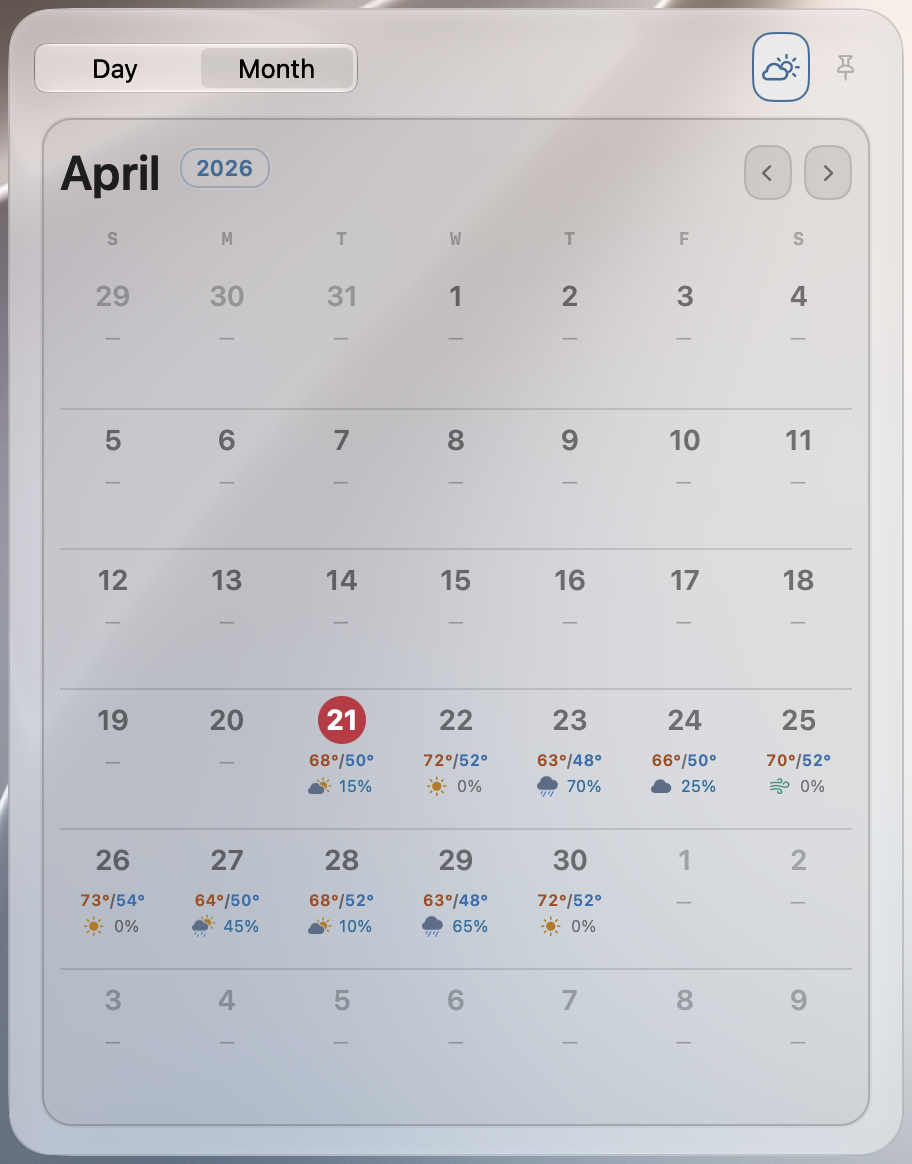
Open the clock for your Calendar events and Reminders, or switch to the forecast. See your day or the whole month without leaving the panel.
Watch system activity at a glance. Open the panel for a closer look at resources and the processes using them.
Explore the layout, open windows, and try its panels.
Interactive Bar simulation · Best on a desktop screenOne-time purchase. No subscription. Try every feature free for 14 days.
2 years of updates included
All features, with two years of new versions. Keep using your covered versions for as long as you like.
One-time purchase
Every future HandyBar version included
All features, with every future version included. Pay once and keep HandyBar up to date.
One-time purchase
Prices are in USD. Applicable tax is shown at checkout. Refund policy
No. Choose Dock to use HandyBar alongside the system Dock, or choose Bar for a strip on every display. You can switch between them in Settings.
HandyBar requires macOS 26 or later on an Apple silicon Mac. Intel Macs are not supported.
With a Standard license, keep using the versions covered by your two-year update period. To use a later release, buy a new license at the price available then. A lifetime-updates license includes all future versions.
HandyBar keeps your content on your Mac. Read the privacy policy.
After payment is confirmed, we email your activation code to the address used at checkout. Enter that email and code in HandyBar. For help, contact support@handybar.app.
Version 26.10.2 · Every feature, free for 14 days.